Documentation Index
Fetch the complete documentation index at: https://docs.seal.run/llms.txt
Use this file to discover all available pages before exploring further.
How do I plot charts?
Charts can be created via the search page, or via automations.Via the search page
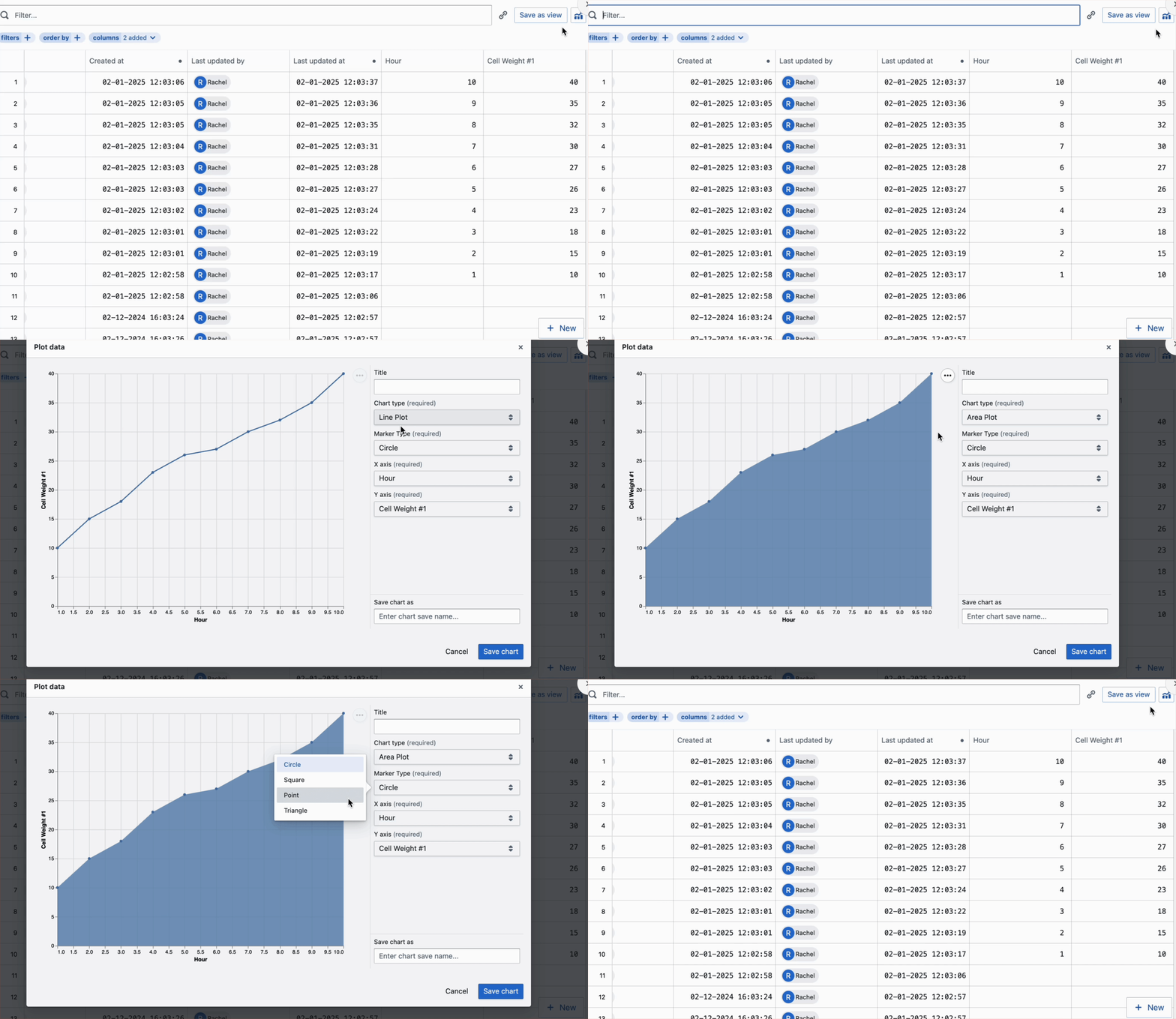
- Toggle on relevant filters on the search page to get the entities you would like to plot.
- Select the Charts icon.

- Filter out your charts with the configurations available.